
Arcade - GEAR Badge
An instant digital badge earned directly via Google Developer Profile page award link in under a minute.
If you get automatically logged into a different Google account or encounter profile redirect errors while claiming the badge, try performing all these steps inside an Incognito / Private Window. This ensures you log in with the exact email address used during your Arcade Facilitator enrollment.
An instant digital badge earned directly via Google Developer Profile page award link in under a minute.

Gemini Enterprise Agent Ready program badge earned by registering and completing the GEAR program enrollment.
Follow these 4 steps in sequence to claim your digital award:
Make sure you are signed in to your Google Developer Program account using your Facilitator email.
Once signed in, click below to open the official direct badge award page:
Once there, wait for 10–15 seconds. DO NOT navigate away from the page and do not click anything.
You should now see a notification toast at the bottom of the screen indicating that you have successfully earned the badge. Click on "View Profile" to confirm that the badge has been added to your Google Developer Profile.
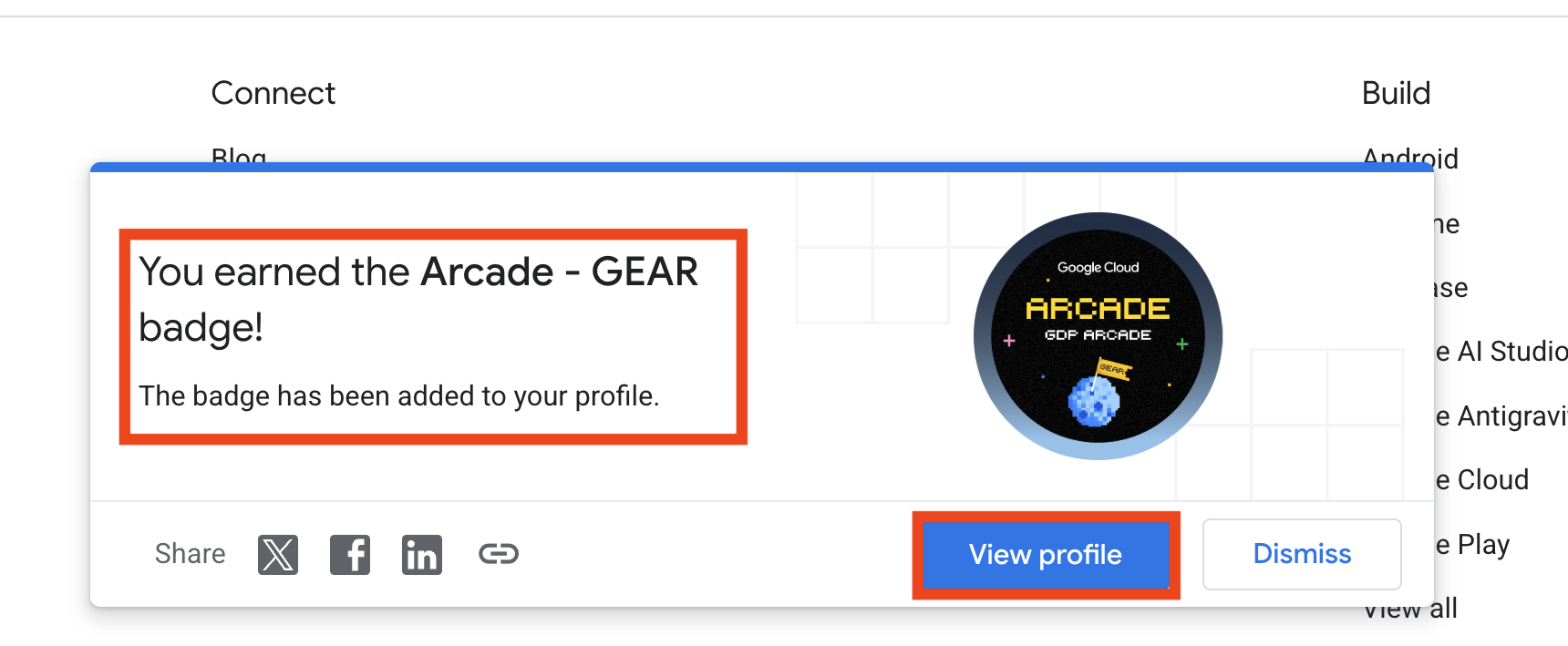
Verify your earned digital badge on your official developer profile dashboard:
View Google Developer ProfileYou must have signed up for the GEAR program while enrolling and earned the GEAR badge on your Google Developer profile. Follow the steps below or watch the video guide:
Register for the Gemini Enterprise Agent Ready initiative on the official Google Developer platform to earn your GEAR badge and satisfy Facilitator program eligibility.
Watch this step-by-step video guide to see how to enroll in GEAR and claim the badge on your developer profile.
Ensure that you use the same email address for your Google Developer Program account as you used when registering for the Arcade Facilitator Program so your progress can be properly verified and tracked.
Check your dashboard on ArcadeCalc to automatically track completed badges, GEAR eligibility, and milestone bonus tiers.